
It's 7 p.m., you're on your back under a kitchen sink with a flashlight in your teeth, and your phone rings. You can't reach it. By the time you wipe your hands, the call is gone and the homeowner has booked the next plumber on the search results. That one call was probably worth more than a month of paying somebody to answer your phone.
A virtual receptionist closes that gap, but only when the plan matches your calls. How many arrive, how long they run, and what time they hit matters far more than any feature grid. A locksmith taking ten calls a week and a dental group taking six hundred a month need completely different billing models.
The scale of the problem is measurable. An observational study of 85 small businesses across 58 industries found only 37.8% of inbound calls were answered by a live person, with another 37.8% going to voicemail and 24.3% getting no response at all, according to CallForce's analysis of missed calls. Missed calls rarely come back: data drawn from more than 16 million small-business calls showed 69% of missed calls got no callback within 48 hours, per Quo's callback statistics.
Below are seven services, sorted by how they bill you: per minute, per call, or by quote. Match the billing model to your call profile and the monthly invoice stays predictable. Get it wrong and you'll pay for minutes you never burn or overages you never saw coming.
#Table of Contents
- 1. Recepta.ai
- 2. Abby
- 3. Ruby
- 4. Smith.ai
- 5. AnswerConnect
- 6. PATLive
- 7. Posh
- 8. Nexa
- How the Seven Virtual Receptionist Services Compare on Pricing Model, Entry Cost, and Best Fit
- Match the Plan to Your Call Volume Before You Buy
#1. Recepta.ai
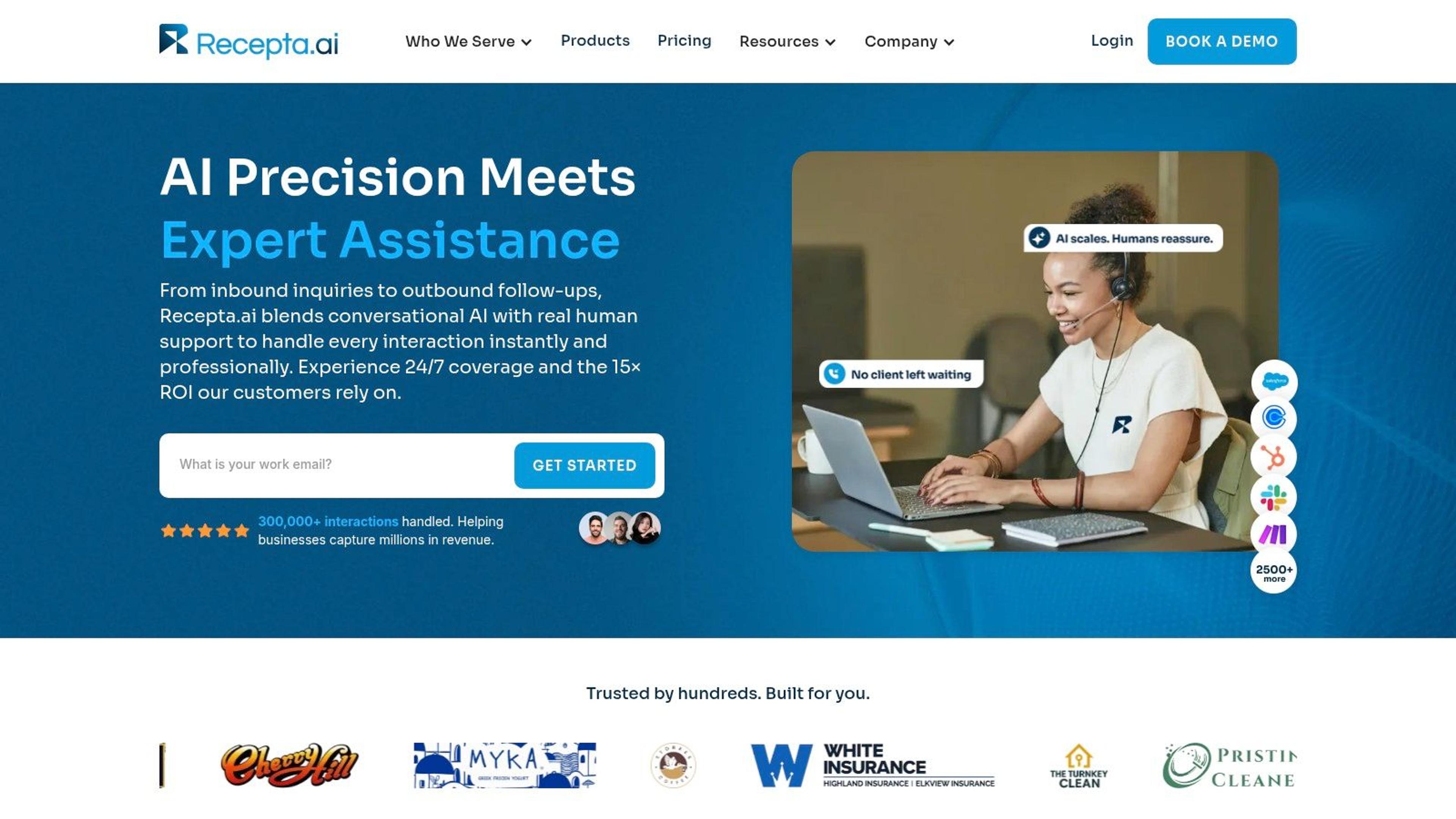
Recepta.ai pairs conversational AI with trained human agents who take over the moment a call needs judgment. It answers 24/7, runs both inbound and outbound calls, books appointments, captures leads, follows up, and hands off to a person when empathy or expertise is required. Setup takes minutes rather than a scheduled onboarding call, and the 30-day risk-free trial gives you a full month to run the hybrid model against real call volume before you commit. Details are at Recepta.ai.
The handoff is what earns it the top slot.
#What the escalation layer actually does
Most AI receptionists answer well and fail badly. They hit a confused caller, loop through a clarification question twice, and the caller hangs up. Recepta.ai routes that moment to a live agent with the conversation context intact, which is the difference between a saved appointment and a bad review.
- Live escalation on demand: calls move to trained agents whenever a caller asks for a person or the AI reads uncertainty, with context preserved so nobody repeats themselves.
- Deep integrations: CRMs, calendars, and industry systems sync in real time, so a booked job lands on your schedule instead of sitting in a voicemail for someone to type up later.
- Reported customer outcomes: users report stronger lead capture and lower spend than in-house reception, with the usual caveat that results track how well the intake script is built.
- Automatic logging: summaries and analytics land in the dashboard without manual admin, where most human answering services lose data.
It fits home services, healthcare, legal, finance, insurance, and franchise operations best. Emergency dispatch, multi-location routing, and intake forms with compliance requirements are exactly the workflows where a pure FAQ bot collapses.
Practical rule: test the failure, not the demo. Call the trial number, interrupt the AI mid-sentence, ask something ambiguous, and see whether it escalates cleanly or guesses.
The category is expanding for a reason. Business Research Insights' market report estimates the global virtual receptionist service market at approximately $17.84 billion in 2026, projected to reach $55.51 billion by 2035 at a 12.02% compound annual growth rate, with cloud-based solutions at 64% adoption and 55% of enterprises using voice-AI capabilities. Directional numbers, but they show where the tooling is heading.
Choose Recepta.ai if you want one system covering overflow, after-hours, and outbound follow-up, and you need a real human fallback baked into the price rather than sold as an upgrade.
#2. Abby
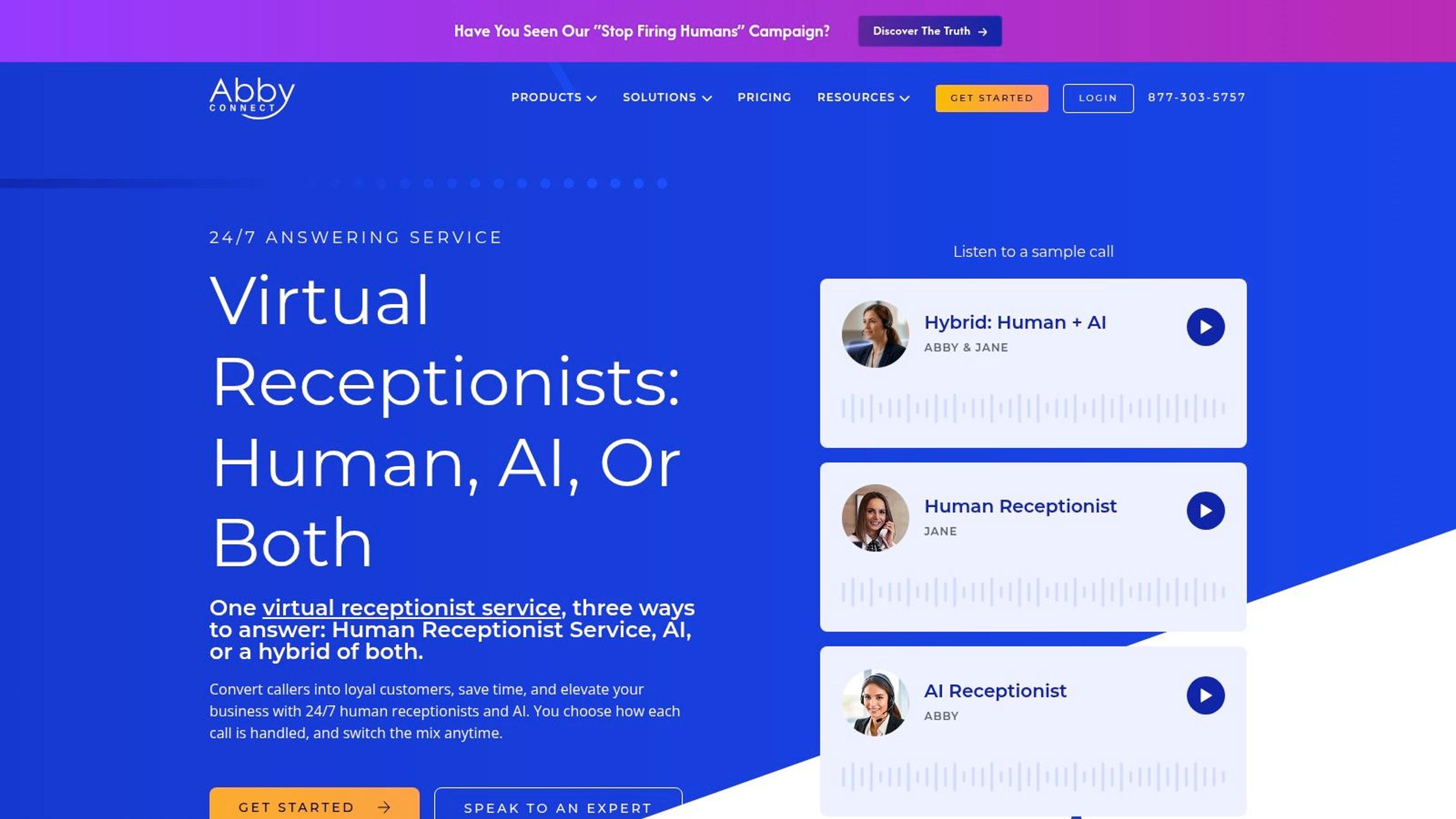
Abby runs live receptionists and an AI receptionist inside one subscription, and you decide which calls go where. Plans start at $164 per month for 50 Abby Minutes, a free trial is offered with no setup fee, and AI minutes bill at half an Abby Minute. That fractional accounting is the first thing to understand before you sign anything.
The split matters for a specific situation: a business that wants a human answer on high-value calls but doesn't want to burn human minutes on "what are your hours" at 11 p.m.
#Where the mix pays off
- U.S.-based human answering: call screening, transfers, message taking, lead capture, and appointment booking across 24/7 coverage.
- AI for the routine and the after-hours: simple calls get handled at half the minute cost, which stretches a small plan further than the headline number suggests.
- English and Spanish: bilingual answering is included in the listed plans rather than priced as an add-on.
- Records and access: call recordings, summaries, integrations, plus app and portal access for managing availability.
The trade-offs are real. Minute-based billing gets unpredictable the moment average call length drifts, and you'll need to watch how the AI-to-human ratio moves month to month. AI-minute accounting is more complex than a flat per-call plan, so someone on your team has to read the invoice.
Check current plan structure at Abby's site.
Choose Abby if you want one vendor for both human and AI answering, you serve Spanish-speaking callers, and your call mix splits cleanly between quick questions and conversations that need a person.
#3. Ruby
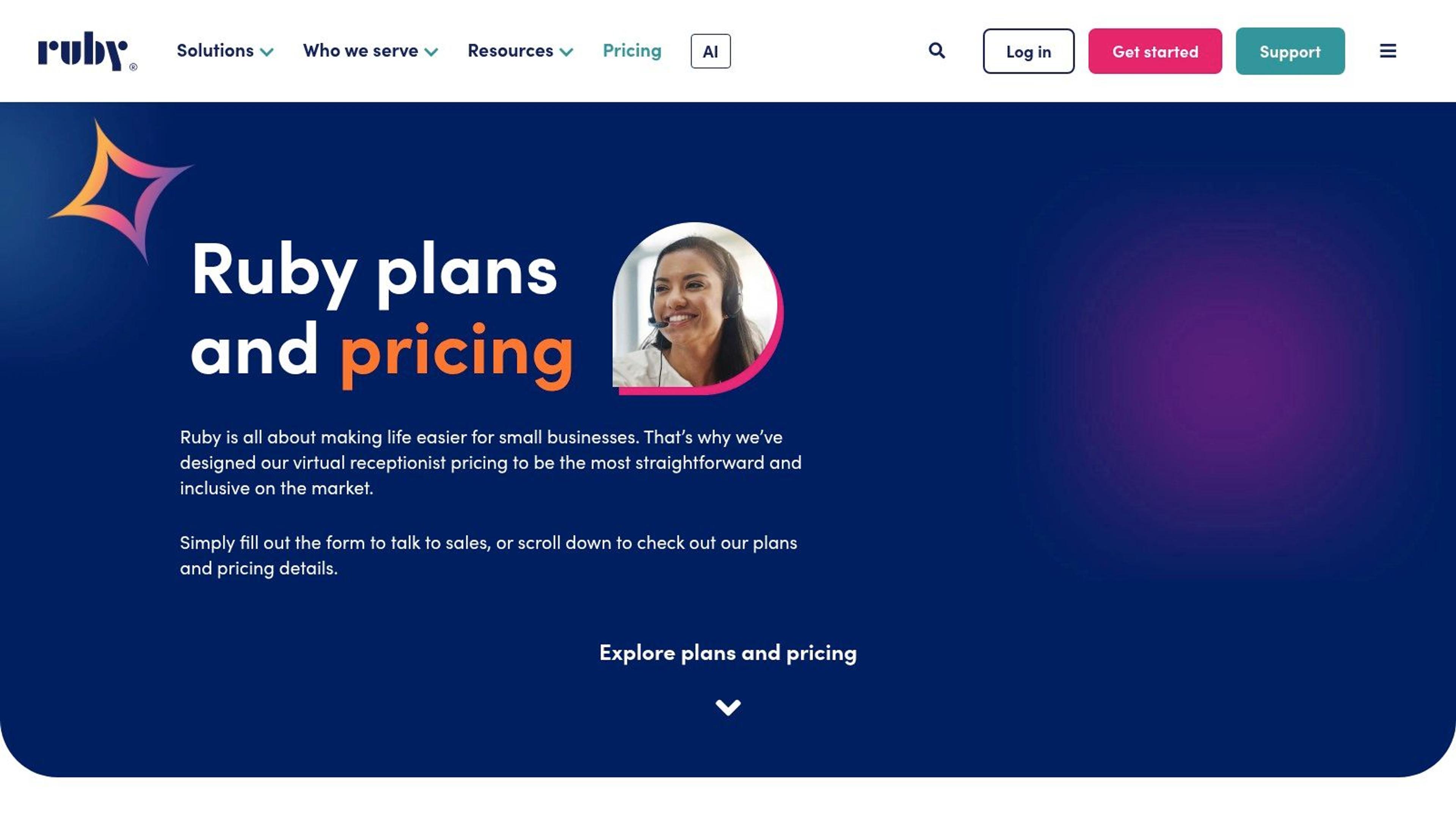
Ruby employs humans only, and the pricing reflects that choice. Its entry plan is the highest per-minute entry point on this list, well above anything else here on a cost-per-minute basis. For a law firm or a medical practice where the caller is frightened or grieving, that premium is the product itself.
Receptionists follow your custom instructions, answer FAQs, take messages, transfer calls, schedule appointments, and capture leads. Coverage runs 24/7 across nights, weekends, and holidays. Live chat bundles and HIPAA-compliant service sit outside the base plans, so price them into your total before you compare Ruby against a flat-fee rival.
#Why the human premium holds up
The market data supports the splurge, with a caveat. A 2025 Qualtrics survey of more than 20,000 consumers across 14 countries, summarized in this AI receptionist statistics roundup, found nearly 1 in 5 people who used AI for customer service saw no benefit, while about half feared AI would prevent access to a human. That is exactly the caller Ruby is built for: someone who will notice the difference between a person and a menu tree and will judge your business by it.
- Every call gets a person: no clarification loops, no caller wondering whether they're talking to software.
- Custom handling per business: your greeting, your qualification questions, your escalation rules.
- Bundled chat option: phone and website chat handled by the same team if you want one front door.
The math turns against you at volume. The entry allowance covers a dozen or so calls at typical lengths, and longer conversations chew through it without warning. Once the allowance runs out, extra minutes bill at the plan's overage rate, so budget for your busiest month rather than your average one. A business fielding 200 short calls a month will find Ruby expensive, full stop.
If you're weighing chat alongside phone coverage, our communication tools directory lists the chat-first options worth comparing before you bundle.
Choose Ruby if the caller experience is the product, your calls are empathy-heavy, and you'd rather pay a premium than risk an AI mishandling a sensitive conversation.
#4. Smith.ai
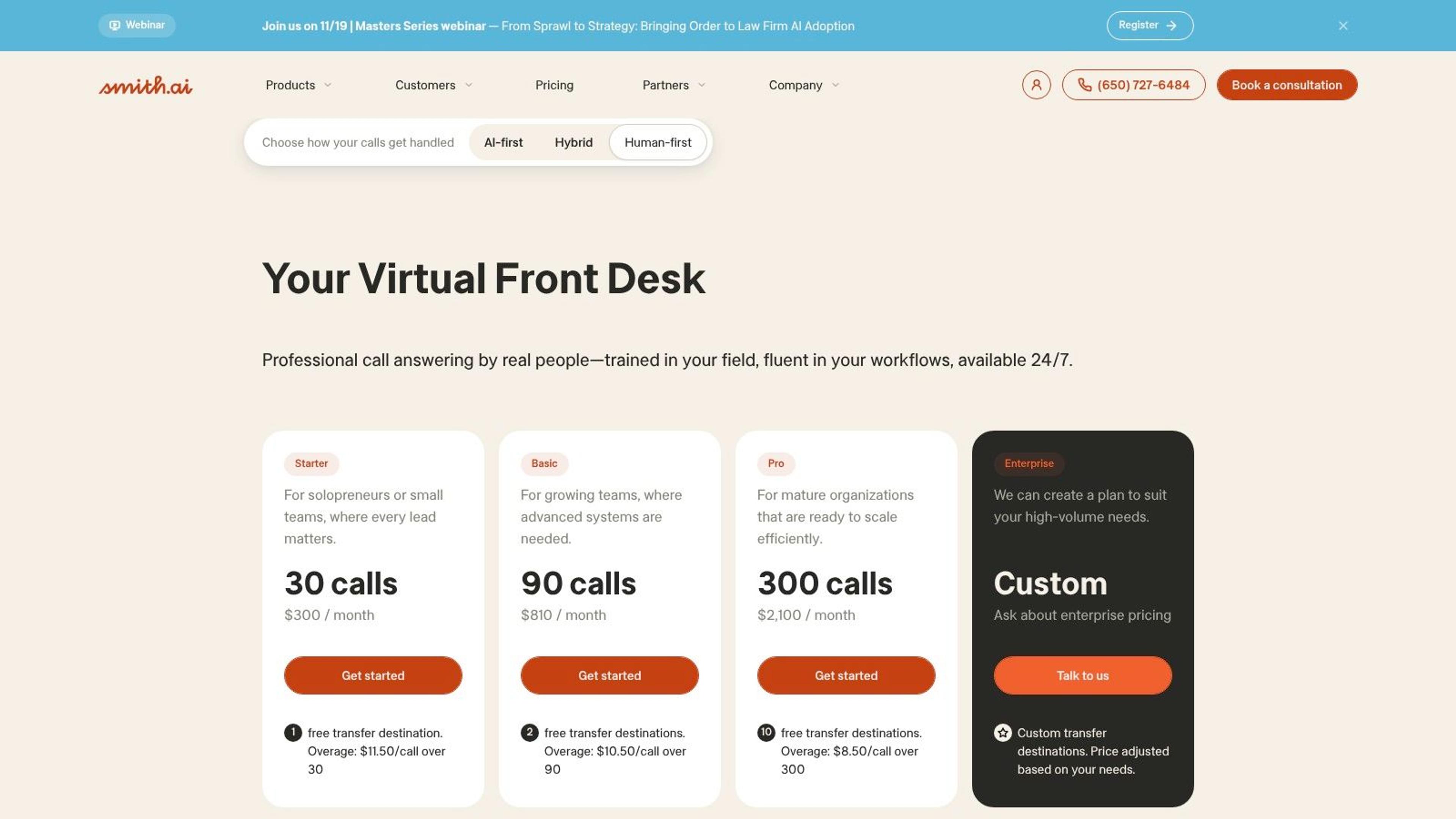
Smith.ai bills per call, and that single choice reshapes who should buy it. Plans are sold as a monthly base with a fixed call allowance, so confirm the current entry price on the vendor's own pricing page before comparing totals. AI-first, hybrid, and human-first handling are all available across a 24/7 front desk covering lead qualification, intake, transfers, and scheduling.
Where a per-minute service charges by the clock, a call here costs the same at 40 seconds or 22 minutes. That punishes short, frequent calls and rewards long ones. A 22-minute consultative sales call and a quick "are you open Saturday" question land at the same per-call price, so know your average call length before you sign.
#The per-call math and who it favors
- Long-call businesses win: legal intake, home services estimates, and financial consultations where 15 minutes is normal.
- Spam protection: spam calls aren't charged when the forwarded caller ID meets the provider's stated conditions.
- No setup fees, 30-day money-back guarantee: both are listed, which lowers the cost of a trial month.
- Add-ons cost extra: Spanish-language handling, payment acceptance, and extended intake are separately priced. Build them into your total before comparing against per-minute rivals.
The quality question deserves attention too. NextPhone's AI receptionist statistics put reported post-call satisfaction for AI receptionist interactions at 85% to 92%, against an often-cited 80% to 85% benchmark for traditional human receptionist or call-center interactions. The same roundup reports that 64% of customers would rather companies not use AI for service, which is why the hybrid tier earns its keep: automation handles the volume, a person handles the moments that decide whether the caller stays.
Judge a vendor on first-contact resolution, transfer success, abandonment rate, and appointment-booking accuracy. Satisfaction scores alone flatter everyone.
Smith.ai lists CRM, ticketing, and helpdesk integrations that receive the call record afterward, so confirm the exact connectors your stack depends on directly with the vendor. If you're still choosing that side of the stack, our customer support tools directory is a useful shortlist to work from.
Choose Smith.ai if your average call runs long, you want documented spam protection, and a fixed monthly call allowance matches your real volume.
#5. AnswerConnect
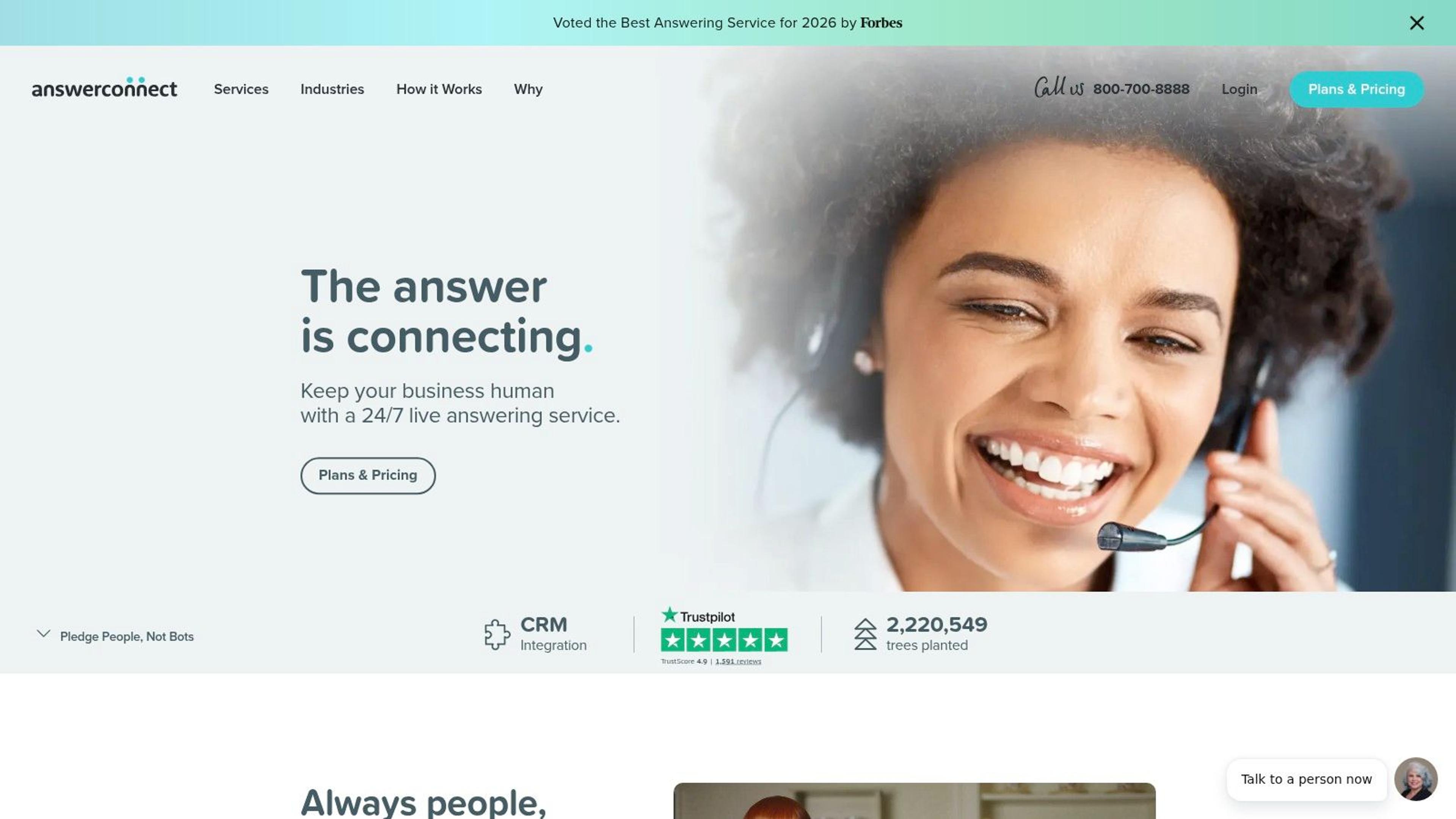
AnswerConnect publishes its plans on its site, which already puts it ahead of the quote-only half of the category. The pricing is built around monthly minute bundles, with lower entry tiers carrying their own terms. Before you sign, get two answers in writing: how partial minutes round into billable time, and what each minute costs once you pass the bundle.
The rounding question is where per-minute billing adds up. If a plan rounds up to the next minute, a 61-second call bills as two, and across a few hundred calls a month the difference becomes a real line item. It never appears in a comparison chart.
#The rounding and overage trap
Real people answer 24/7 using customizable scripts, with CRM integrations, desktop and mobile apps, lead qualification, appointment booking, transfers, and dispatching. Short calls still draw down your bundle, so wrong numbers and quick hang-ups cost you minutes either way.
- Published minute bundles: you can model your overage exposure before signing.
- Overage charges apply beyond included minutes, so price your worst month, not your average one.
- Fees vary by tier: compare the total first-year cost, not the monthly sticker.
Industry pricing data explains why this scrutiny pays off. A 2025 industry pricing analysis cited in Amb's virtual answering breakdown reported typical small-business spending of roughly $135 to $400 per month, with high-volume operations exceeding $2,945 monthly, alongside common rates of $0.80 to $2.25 per minute, $1.75 to $5 per call, and monthly minimums of about $100 to $200. The same analysis noted 51% of surveyed U.S. small businesses introduced AI into customer service in 2025, but only 32% of those users reported using voice AI or IVR.
Watch the clock, not the brochure. Ask for the rounding rule in writing before you sign, then multiply it by your monthly call count.
Choose AnswerConnect if you want published numbers and human-only answering, and your call volume is steady enough that a minute bundle absorbs rounding without pushing you into overage every cycle.
#6. PATLive
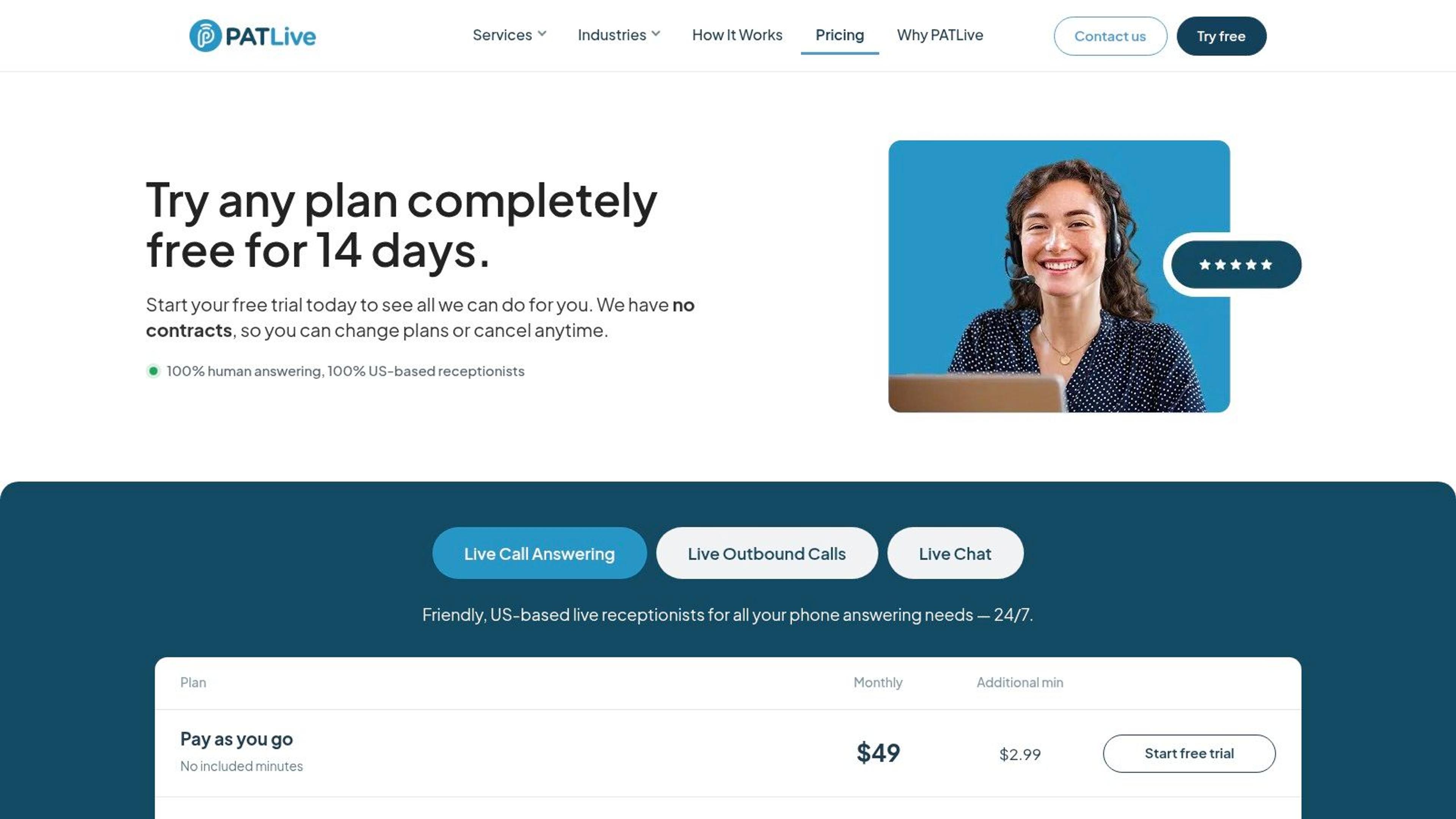
PATLive's pay-as-you-go option exists for the business that can't predict its phone. $49 per month with no included minutes, a 14-day free trial, and no long-term contract according to the pricing page. You pay for what arrives. For a seasonal contractor, that beats buying a bundle in February that sits idle until April.
U.S.-based receptionists answer around the clock with Spanish-language service included. Optional phone-system features cover routing, auto attendants, and reporting, which means it can sit alongside your existing setup instead of replacing it.
#Where the model breaks
The pay-as-you-go tier has no minute cushion, so a single rambling caller hits your card directly. Minute-based pricing on extended calls gets expensive quickly, and the higher-volume bundles become a substantial monthly line item once you cross a few hundred minutes.
- Low and unpredictable volume: pay-as-you-go is the right structure when your monthly call count swings by 70%.
- Separately priced extras: outbound calling and human-powered live chat are their own services, not included features.
- Trial before commitment: the 14-day window is long enough to hear how receptionists handle your actual scripts and accents.
Rate the trial on accuracy, not politeness. Did the message capture the caller's number correctly, did the appointment land in the right slot, and did the transfer reach a human on the first attempt?
Choose PATLive if your call volume is low or seasonal, you want to test live answering before committing to a bundle, and you don't need AI handling at all.
#7. Posh
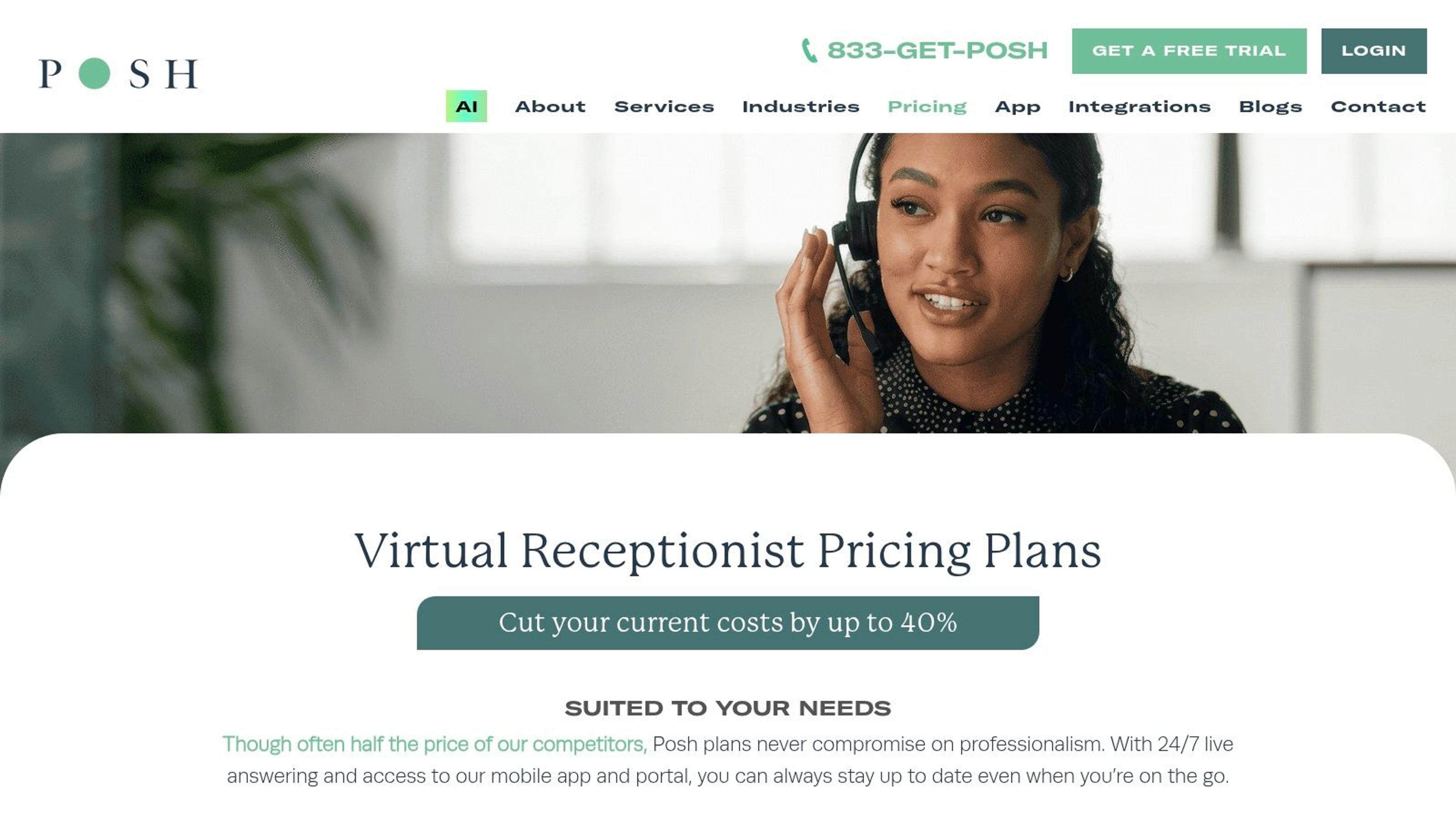
Posh leads with one of the lowest entry prices in this roundup, and that tier includes zero receptionist minutes. You're buying access to a live answering service, then paying for every minute of actual talking. Stack it against a bundled plan only after you add the per-minute cost on top of the base.
Once you're in, the service covers 24/7 live answering, appointment booking, message taking, and call transfers based on your instructions, all managed through a mobile app and portal. Bilingual English and Spanish answering is available as an option.
#The entry-price illusion
Published minute bundles and additional-minute rates make Posh more transparent than the quote-only vendors, and the cheap base gets you in the door. The problem is arithmetic. A business fielding 120 calls a month at three minutes each burns 360 minutes on top of the base fee, and every one of those minutes bills separately. Longer calls drain the budget faster than under any other model here.
- Best fit: very low volume with high call value, where five calls a month still justify a live answer.
- Watch for: how additional minutes are priced once the bundle runs out.
- Skip it if: you handle more than a couple of hundred minutes monthly, because base-plus-usage totals overtake flat bundles.
If you'd rather test an AI-first tool before committing to per-minute human answering, Receptri, an AI receptionist listed in our product directory, handles calls plus website chat.
Choose Posh if you want the lowest possible entry cost, your monthly minutes stay small, and you prefer paying only for time used.
#8. Nexa
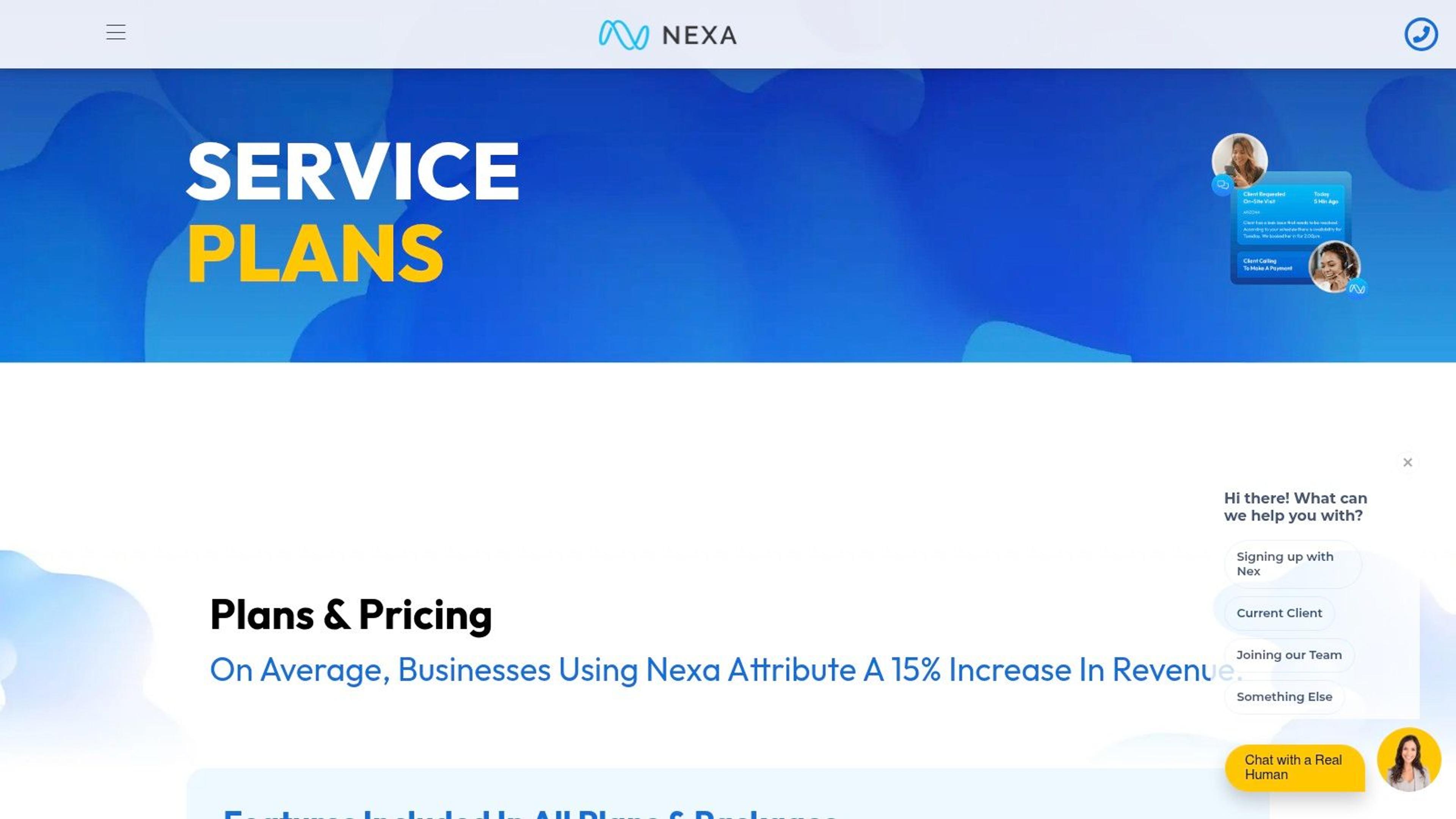
Nexa doesn't publish prices. The plans page lists 100, 300, and 500-minute packages, and you need a sales conversation to learn what any of them cost. That's a legitimate reason to look elsewhere, and also a reason to look closer if your operation is complex enough that a standard bundle won't cover it.
The service runs 24/7/365 live coverage with company-specific scripts, FAQs, call reports, and a client portal. Higher tiers list patient or client intake and CRM integration, and the service also describes outbound follow-ups.
#Quote-only means quote carefully
The capability list goes beyond message taking, which is where Nexa earns attention. Follow-up calls, intake workflows, and CRM writes are work a basic answering service won't do.
- Ask what counts as billable time: after-call work and other activities can be counted as receptionist work time, so a four-minute call may bill as six.
- Ask for a written hourly floor: quote-only pricing means nothing until you see the minimum monthly commitment.
- Ask for a sample invoice: a real one from a business your size tells you more than the rate card.
A quote-only provider isn't automatically hiding a bad price. Often it's hiding a complicated one, and complicated pricing is where small businesses get surprised in month three.
Choose Nexa if you need intake and outbound follow-up bundled with answering, you're prepared to negotiate a quote, and you'll clarify exactly which activities bill before you commit.
#How the Seven Virtual Receptionist Services Compare on Pricing Model, Entry Cost, and Best Fit
| Item | Pricing Model | Listed Starting Price | Best For |
|---|---|---|---|
| Recepta.ai | AI receptionist with human support | Not listed | Businesses needing 24/7 AI call handling with human escalation |
| Abby | Monthly plans based on receptionist minutes; AI minutes count as half | $164/month for 50 Abby Minutes | Businesses wanting flexible AI and live receptionist coverage |
| Ruby | Monthly plans based on receptionist minutes | $250/month for 50 minutes | Businesses prioritizing a human-first caller experience |
| Smith.ai | Monthly plans based on call volume | $300/month for 30 calls | Businesses seeking lead qualification and flexible AI or human handling |
| AnswerConnect | Monthly plans based on minutes | $395/month for 300 minutes | Businesses needing 24/7 live answering, integrations, and chat |
| PATLive | Pay-as-you-go or monthly minute bundles | $49/month with no included minutes | Low-volume businesses wanting live answering and flexible usage |
| Posh | Monthly base plus receptionist-minute bundles | $65/month with no included minutes | Businesses seeking a lower-cost entry point for live answering |
| Nexa | Quote-based plans with minute packages | Requires a quote | Businesses needing custom scripts, scheduling, and intake workflows |
#Match the Plan to Your Call Volume Before You Buy
Pull 30 days of call logs before you talk to any vendor. You need three numbers: total calls, average call length, and the share arriving outside business hours. Get them from your phone## Match the Plan to Your Call Volume Before You Buy
Pull 30 days of call logs before you talk to any vendor. You need three numbers: total calls, average call length, and the share arriving outside business hours. Pull them from your phone system or carrier bill, because owners consistently underestimate after-hours volume.
Then run those numbers through the three pricing models side by side. Minutes, calls, and quote-only each produce a different total for the same workload, and the cheapest sticker is rarely the cheapest year.
#Run the same month through three bills
Take 150 calls at three minutes each, half of them after 6 p.m. On a per-minute plan, that is 450 billable minutes plus rounding. If the plan rounds up to the next 30 or 60 seconds, a stack of short calls bills higher than the raw total suggests. On a per-call plan, it is 150 units regardless of length. On a quote, it is whatever the sales team decides your risk profile is worth.
The per-minute plan wins for short calls. The per-call plan wins for long ones. Only a quote can absorb irregular volume without overage, so push for a quote if your call log swings hard from month to month.
Then add what nobody quotes upfront: after-call work, transfers, bilingual handling, appointment-booking fees, emergency dispatch, and outbound follow-ups. A per-minute plan with a $150 setup fee and separately priced Spanish support delivers a different product than a flat bundle that includes both.
Ask three questions before you sign anything: how is call time rounded, what exactly triggers overage, and which features on the demo are add-ons rather than included? Get the answers in writing.
#Run the trial on real calls
Use the trial period. Abby offers a free trial with no setup fee and PATLive runs a 14-day free trial, which is enough time to route your genuine overflow and after-hours calls through the service and hear the results. Give them your messiest calls: the caller who interrupts, the one with a heavy accent, the one who demands a person immediately.
Score the trial on first-contact resolution, transfer success, average speed of answer, and appointment-booking accuracy. A service that answers every call but books the wrong slot has made your problem worse.
Keep one number in view through all of it: what a missed call costs you. If a booked job is worth $400, one booked job covers a $250 receptionist plan, so the plan pays for itself after a single recovered call. That is the whole business case, and it is why the billing model matters more than the feature list.
If you are still deciding whether to buy a receptionist or build the intake flow yourself, browse the products listed on Better Launch before you commit to a monthly contract. Every paid listing there is a one-time purchase rather than a subscription, so you can test a product's positioning before you test its phone line. Pull your call log this week, run the three-model comparison, and start the trial with the calls you currently lose.