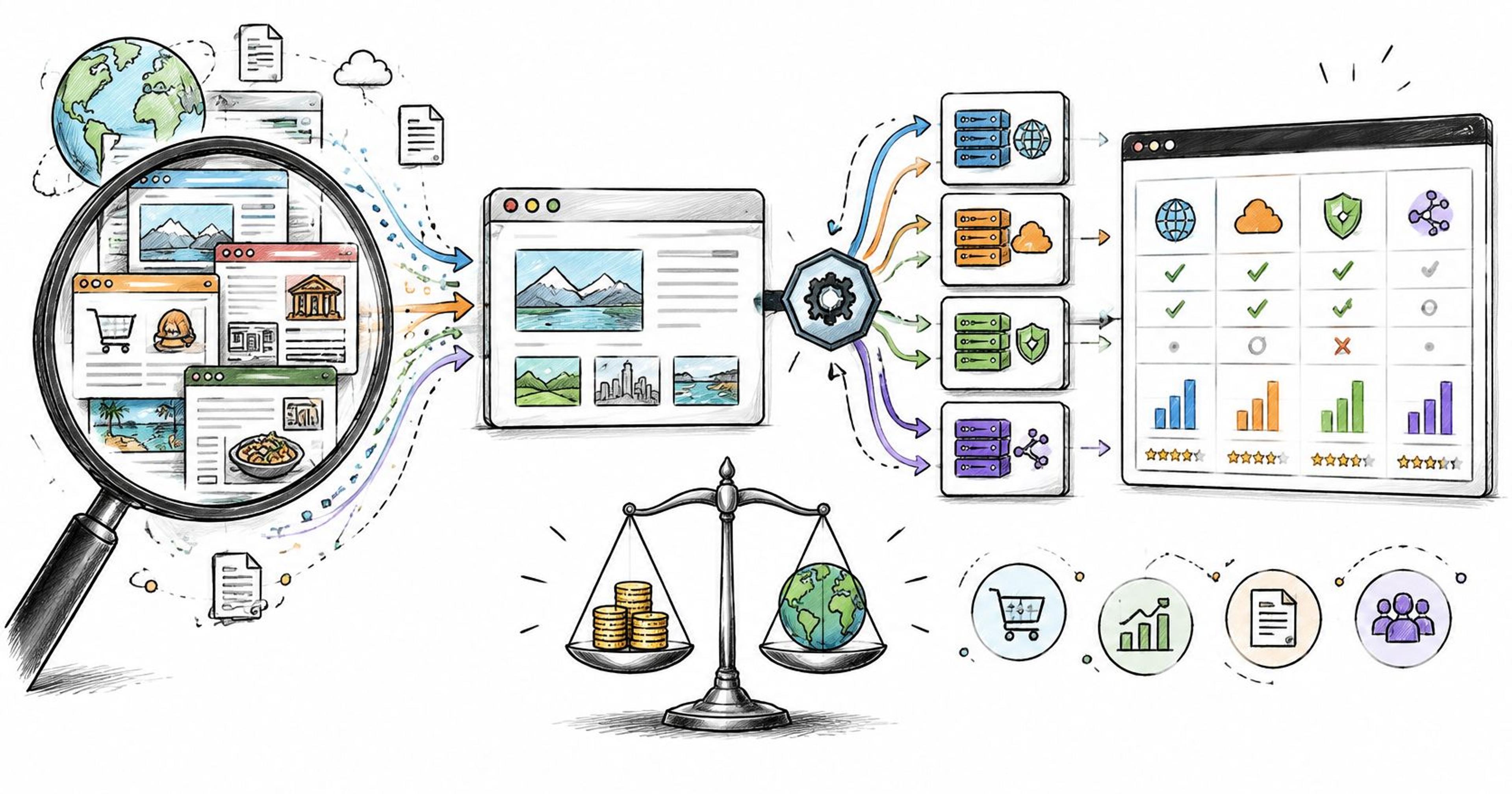
Almost every comparison of the 13 best web data APIs in 2026 ranks vendors by the number on their pricing page. That number is close to fiction. A credit is not a page. The same URL costs one credit as a plain HTTP fetch, several with JavaScript rendering, and more again when the target sits behind Cloudflare or a login wall. Two providers advertising 100,000 credits can return wildly different volumes from the same target list, and the gap shows up as an overage invoice two weeks into production.
Scale makes that gap expensive. The 2024 State of the API report from Postman found that the average application depends on between 26 and 50 APIs, so a mispriced data vendor isn't one line item, it's a margin problem across a stack.
This list is organized by what you're buying: general-purpose fetching infrastructure, source-specific scrapers, search endpoints, and context layers built for LLM pipelines. Every entry covers the pricing mechanic that determines your bill, the workload it suits, and where it breaks. Prices are the vendors' published entry rates, quoted so you can compare them with your own target list instead of relying on a tier name.
#Table of Contents
- 1. Context.dev
- 2. Bright Data Web Scraper API
- 3. Zyte API
- 4. Apify
- 5. Oxylabs Web Scraper API
- 6. Decodo Web Data API
- 7. Firecrawl
- 8. ScrapingBee
- 9. ZenRows
- 10. ScraperAPI
- 11. SerpApi
- 13 Web Data APIs Compared
- Choosing Your API With a Decision Framework
#1. Context.dev
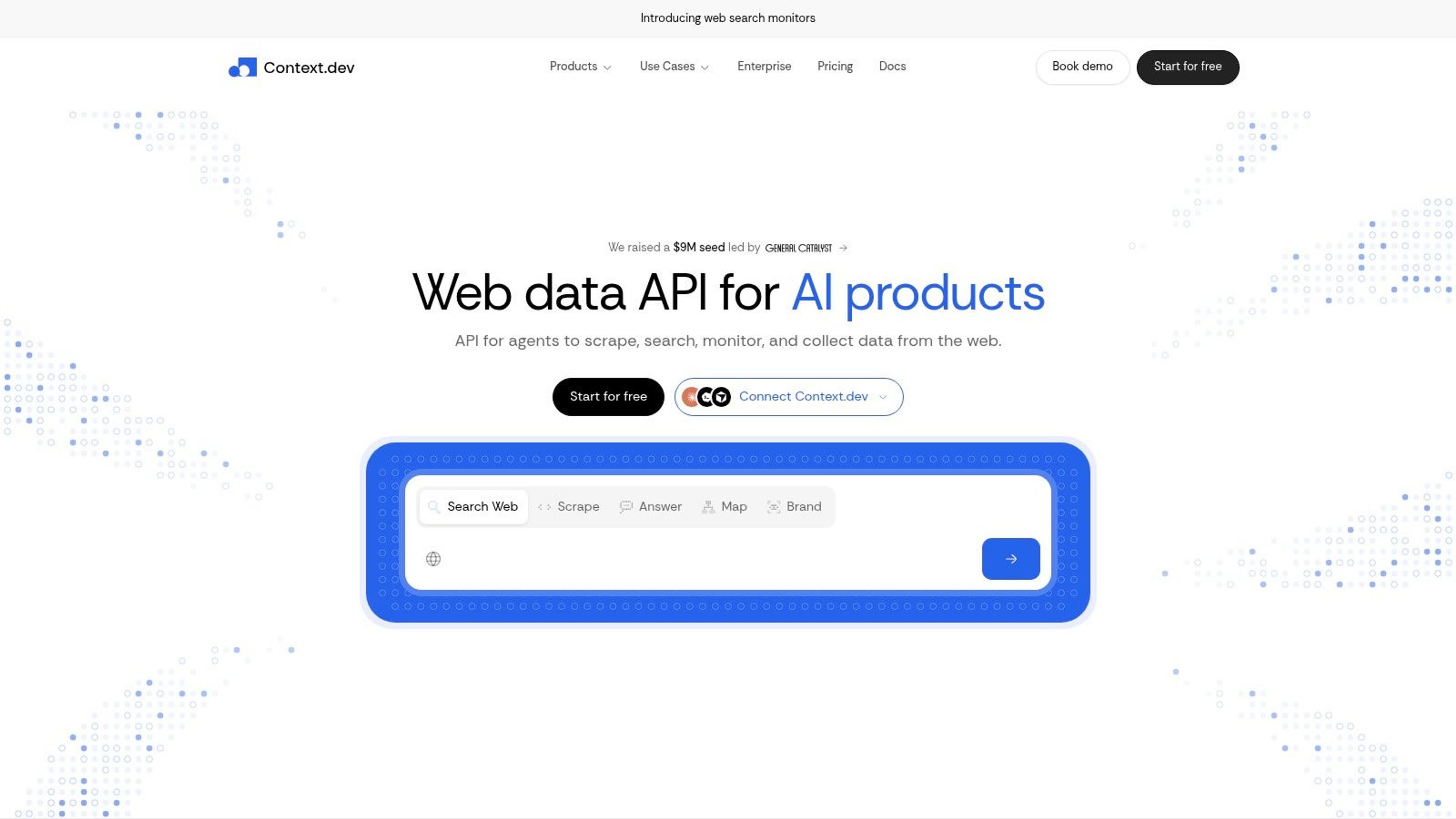
Treat Context.dev as a web data api first and a scraper second. One integration returns rendered HTML, clean Markdown built for LLM input, images, sitemap crawls, full-page screenshots, and structured brand metadata resolved from a domain, an email address, a company name, or a stock ticker. For a team wiring agents or retrieval pipelines into live sites, that folds what would otherwise be separate contracts into a single bill.
The brand metadata alone covers logos, colors, fonts, styleguides, social handles, addresses, NAICS classifications, and short company descriptions. That is the data many teams collect by hand during onboarding, personalization, and CRM enrichment work, and here it sits behind the same endpoint as the fetch layer rather than a second vendor.
#Where the pricing mechanic works in your favour
Brand records are cached, so repeated lookups resolve against warm data instead of triggering a fresh crawl each time. That makes Context.dev one of the few entries on this list where cost per lookup falls as your usage concentrates on the same set of domains. AI Query covers structured extraction of custom entities and product data when the fixed endpoints don't fit the shape you need.
Practical rule: if more than half your enrichment calls hit the same domains, a cached metadata layer beats a per-request scraper on cost nearly every month.
SDKs ship for TypeScript, Python, and Ruby, logos are served from a global CDN, transaction identification maps messy merchant descriptors to real brands, and the free tier includes credits generous enough to prototype an agent loop. Zapier and similar integrations let a non-engineering team push enriched records into a CRM without owning a pipeline.
Pick it when you need live web access for agents, fresh content for RAG, or brand metadata at volume. Skip it if your job is a single hand-parsed table on one site, because AI Query is an extraction layer, not a bespoke parser.
#2. Bright Data Web Scraper API
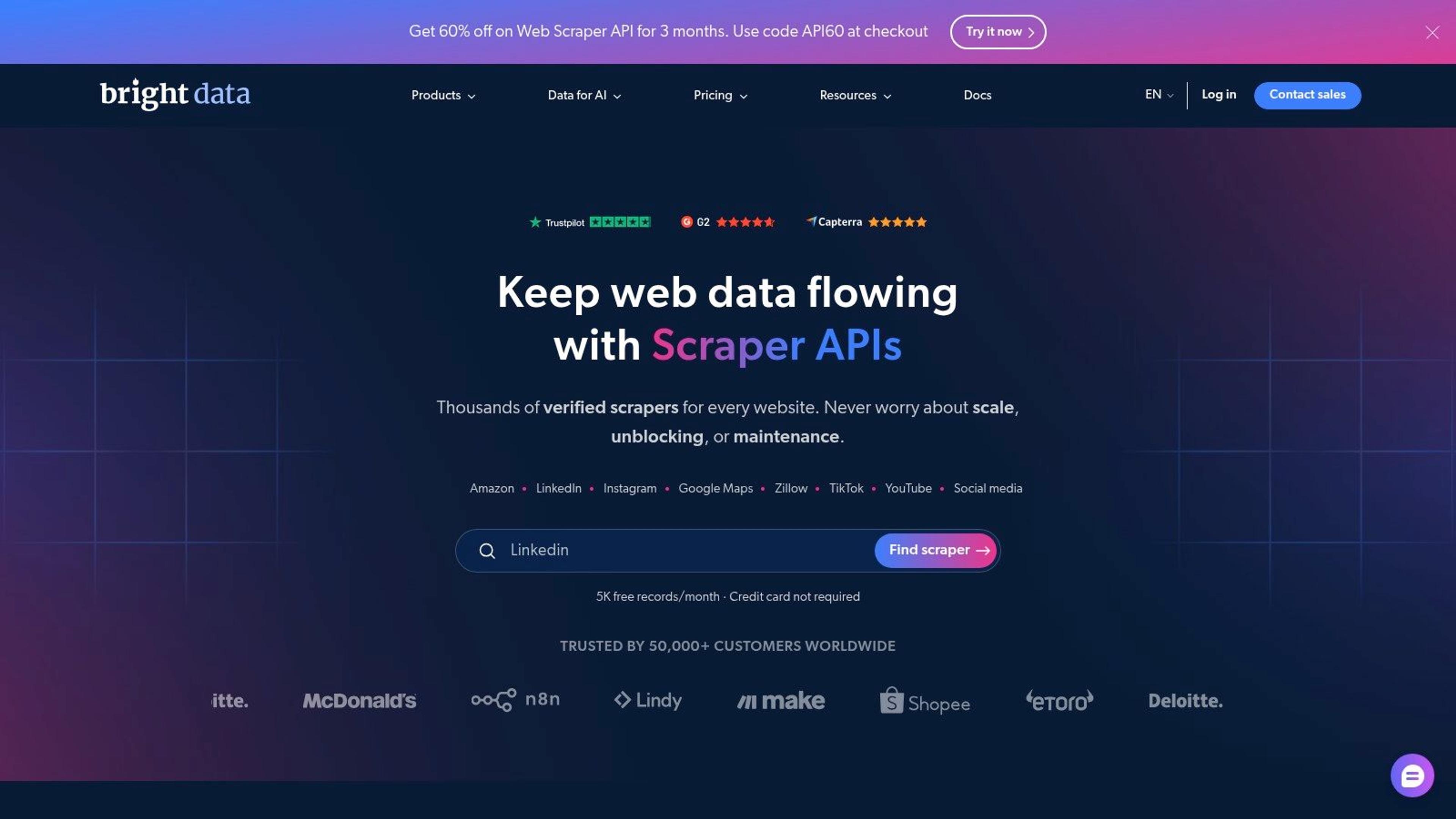
Bright Data bills by the record, not by the request, and that single difference changes how you forecast a project. The Web Scraper API lists a free tier of 5,000 records per month and pay-as-you-go pricing at $1.50 per 1,000 records, with a Scale plan at $499 per month. Records delivered is a cleaner unit than credits, because a page yielding 40 products isn't the same purchase as a page yielding one.
The service ships ready-made scrapers for Amazon, LinkedIn, Instagram, Walmart, and other high-traffic targets, plus JavaScript rendering, proxy management, and CAPTCHA handling for the pages that don't have a template. Structured output arrives through an API or webhook-style delivery, so the parser work is largely done for you.
Check the legal layer before the technical one. LinkedIn and Instagram are personal-data surfaces. The EDPB's web-scraping guidelines state that GDPR applies when scraping involves personal-data operations such as collection, storage, organization, or retrieval, and they stress purpose limitation and transparency. Buying records in bulk doesn't transfer that obligation to the vendor.
- Parser coverage: supported targets save weeks of selector maintenance.
- Unblocking included: proxy rotation and CAPTCHA handling arrive in the same product.
- Free allowance first: test your own URLs before committing to Scale.
The trade-off is scope and billing variance. Pricing units differ across Bright Data products, so confirm which unit applies to the endpoint you'll call. If your stack already runs its own IP layer, a residential proxy service plus your own parser may come out cheaper than a managed record price.
#3. Zyte API
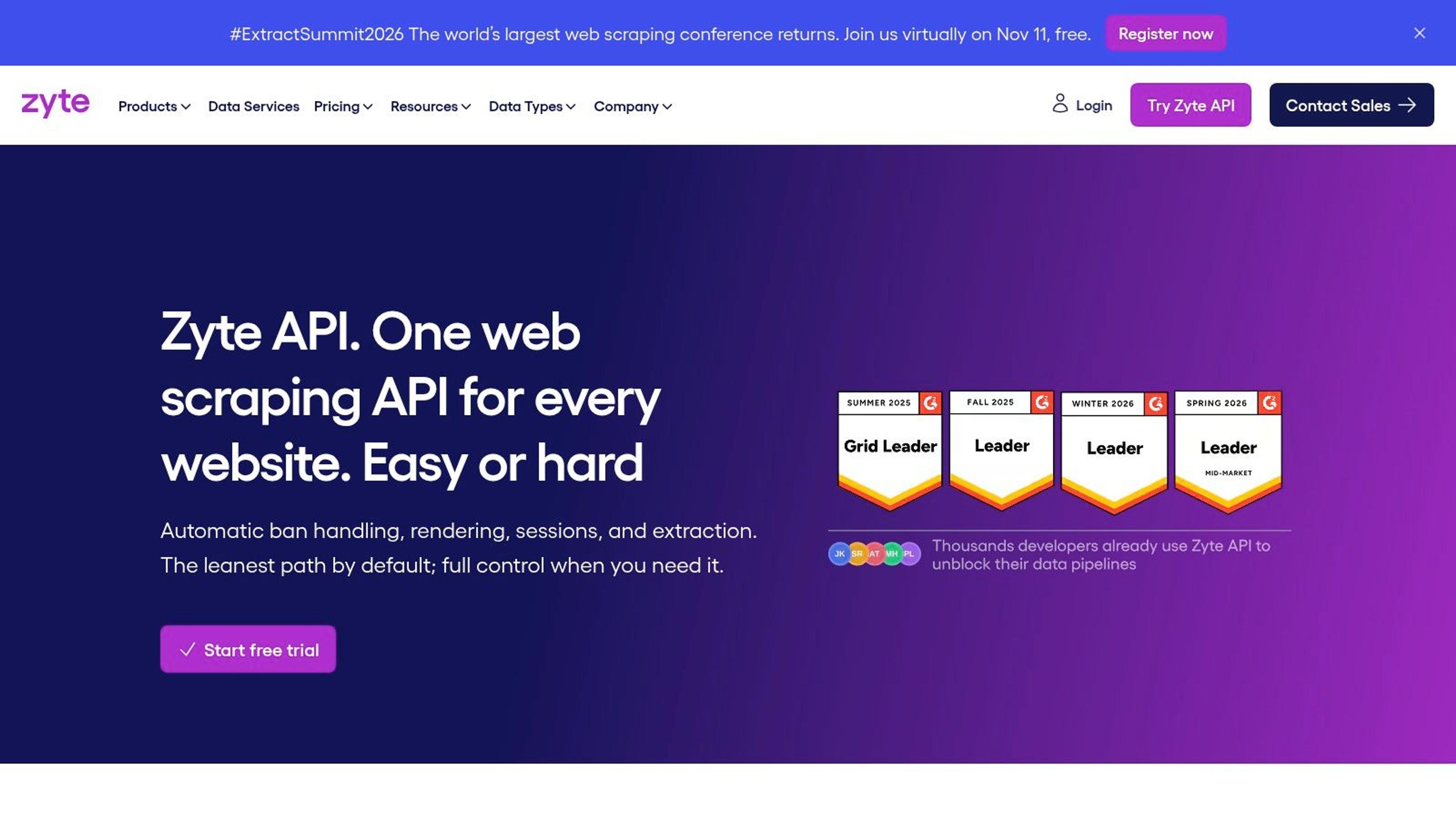
Zyte prices by difficulty, which is either the most honest model on this list or the hardest to forecast. The Zyte API returns either a standard HTTP response or a browser-rendered page from the same endpoint, sets the proxy, retries what fails, and handles the access challenges. A $5 trial credit covers initial testing, and pay-as-you-go rates vary by request type and pricing tier.
What you're paying for is the refusal to bill for dead ends. Sites are grouped into difficulty tiers, so a static blog costs less than a retailer that fingerprints browsers. Request the plain HTTP response on every page that can serve content without JavaScript and the bill drops sharply against rendering everything by reflex.
Paying per successful response is worth a premium on hostile targets. It's a poor deal on clean, static pages you could fetch yourself with a request library.
Session management and geotargeting are handled through the same API, and browser actions let you click through pagination or submit a form without running your own Playwright fleet. That removes a whole category of operational work, which is usually the actual cost in a scraping pipeline.
Before you commit, classify your target list into tiers and price the worst tier, not the average one. Difficult sites and rendered requests both push the per-request rate up, and some advanced features add usage charges on top. If most of your list is tier-one static pages, the model is generous. If most of it fights back, this becomes a premium product and should be budgeted as one.
#4. Apify
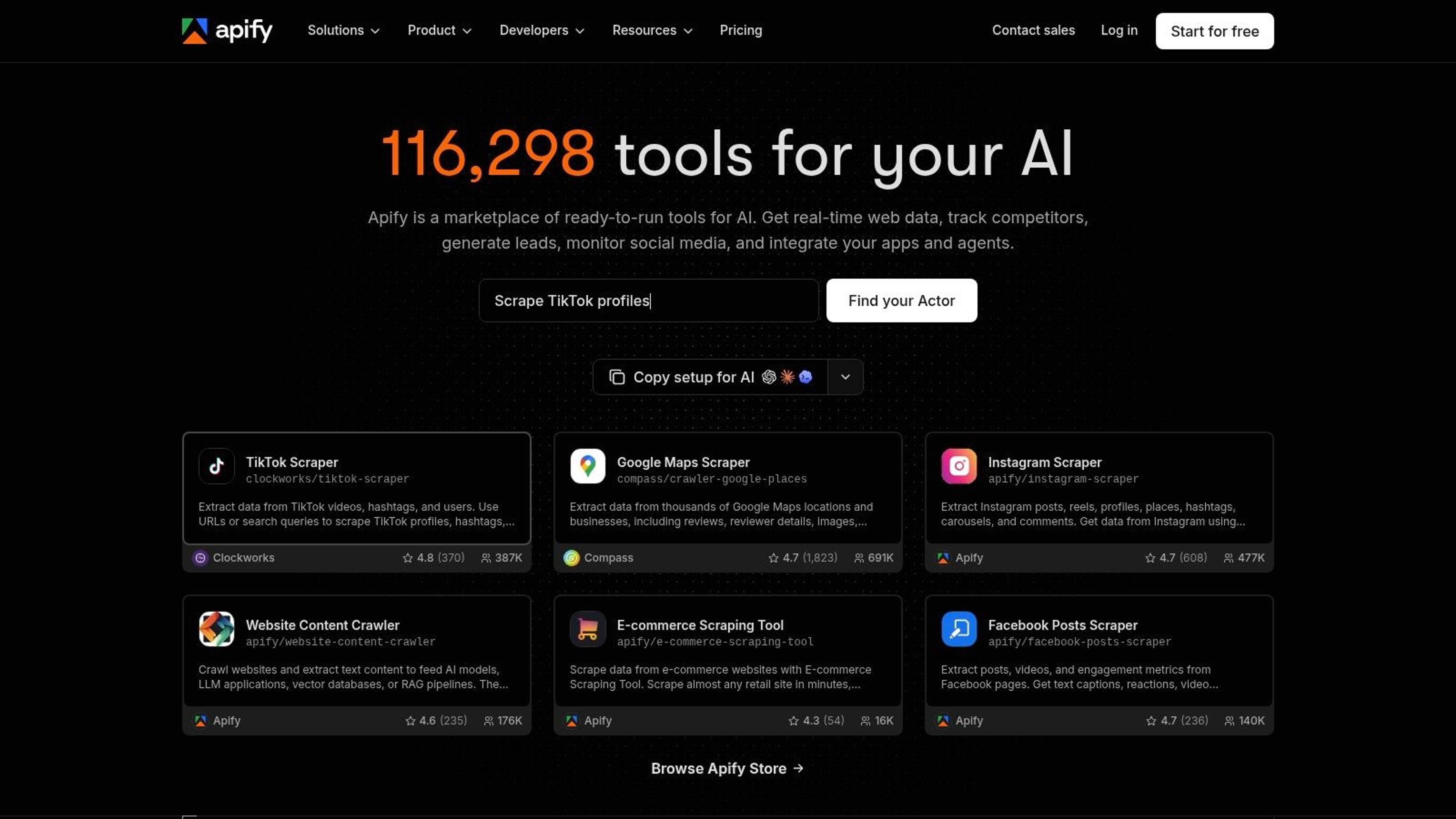
Apify sells a marketplace, not an endpoint. Its Actors are containerized scrapers you either pick from the store or write yourself, run on Apify's infrastructure with scheduling, storage, and orchestration attached. The Apify platform lists a free plan with $5 of usage to spend, paid plans starting at $19 per month, and usage charges on top of the subscription.
That three-part bill is the thing to model. Plan fee, Actor charges, and compute consumption all land separately, which is fine once you know it and confusing the first month you don't. A cheap Actor that renders every page can cost more in compute than an expensive one that doesn't.
- Store coverage: mainstream targets like marketplaces, maps, and job boards usually have a maintained Actor already.
- Custom Actors: Node.js and Python SDKs let you build beyond what the store offers.
- Pipelines: scheduling, webhooks, and dataset storage are built in, so recurring jobs need less glue code.
Actor quality varies with whoever maintains it. Community Actors go stale when a site changes, and you inherit that breakage. Where Apify wins is the long tail: dozens of small, unrelated targets that would each need their own scraper, all running under one credential and one dataset model.
If you only need one endpoint returning HTML, the platform is more machinery than you want. If you need ten different sources feeding one warehouse on a schedule, the overhead pays for itself.
#5. Oxylabs Web Scraper API
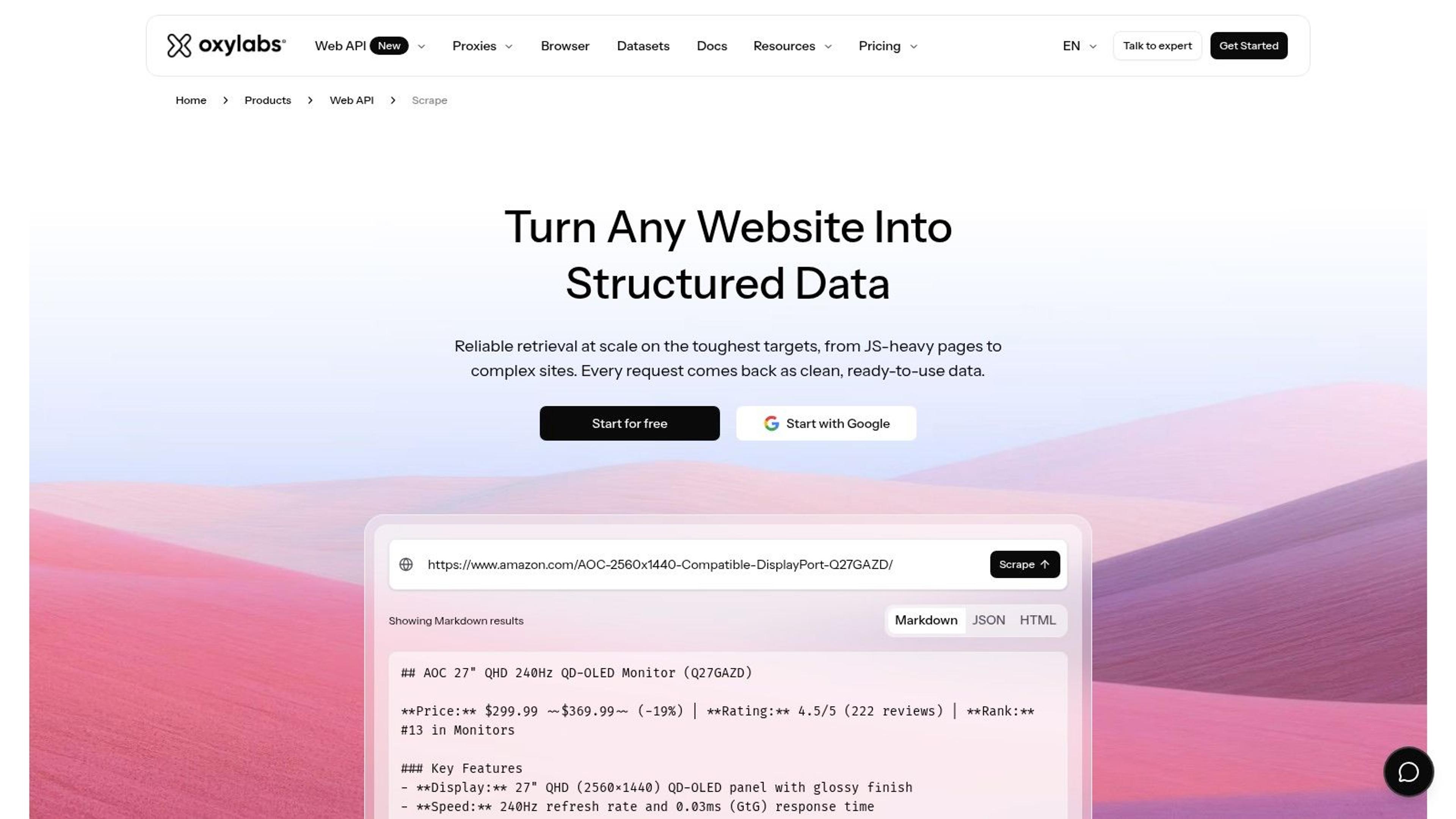
Oxylabs publishes rates by source, and that turns a guess into a forecast. The Oxylabs Web Scraper API charges differently for Google, Amazon, and general webpages, and differently again depending on whether the request needs JavaScript rendering. The trial runs up to 2,000 results without a credit card, and the Micro plan starts at $49 per month.
For a price-monitoring or rank-tracking product, that structure is useful. Most of your volume lands on two or three known sources, so you can calculate monthly cost from a real rate rather than an abstract credit. Batch queries and scheduling cover recurring collection, and custom parsers plus CAPTCHA handling remove the maintenance.
The catch is commitment and granularity. Browser-rendered results cost more than basic requests, so a plan sized on cheap calls will run short the month a target changes its front end. Monthly plans also sit awkwardly against one-off research jobs, where a pay-as-you-go competitor is easier to justify.
Start with the trial, run your real target list through it, and count how many requests needed rendering. That ratio, not the plan price, tells you what a month costs.
#6. Decodo Web Data API
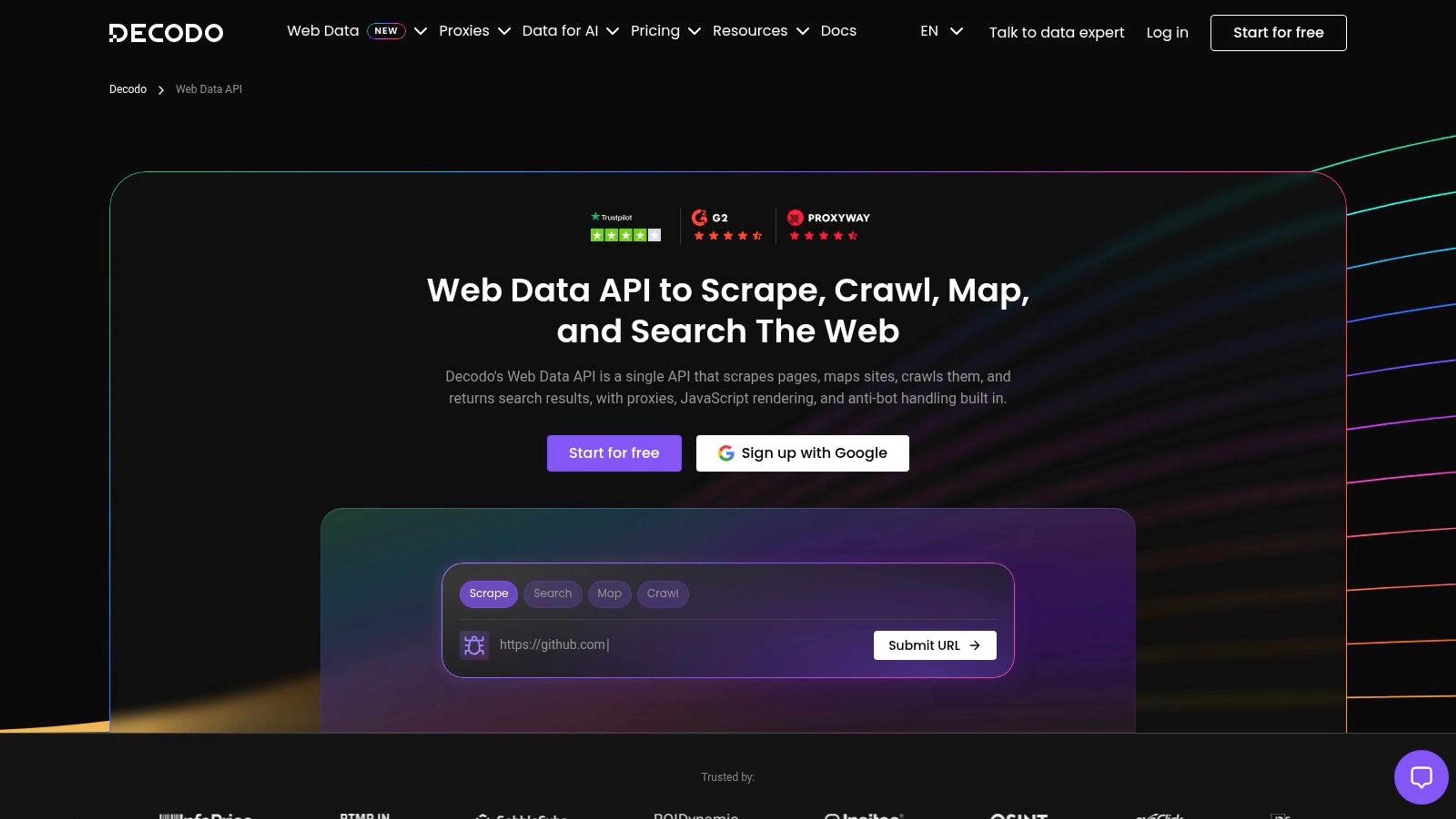
Say you're building an agent that reads a documentation site, follows its links, and answers questions from the result. That job needs discovery and crawling and extraction, which is normally three tools. The Decodo Web Data API puts scrape, map, crawl, and search behind one endpoint set, with Markdown, HTML, and JSON output.
Markdown output matters more than it sounds. It cuts the HTML cleanup step out of a RAG pipeline, and it keeps token counts predictable once you're paying per million tokens downstream. JavaScript rendering and anti-bot handling are included, and MCP and AI-framework integrations mean the agent can call it without a custom wrapper.
- Free starter access: enough to test a crawl before you pay.
- Published entry rate: paid plans start at $19 per month, with a stated starting rate of $0.15 per 1,000 requests.
- One credential: discovery, crawling, search, and extraction share an API key and a bill.
Starting rates are exactly that, a floor. Price your heaviest endpoint rather than the published minimum, and read the limits attached to the specific endpoint you'll call, because crawl and search rarely cost the same as a single page fetch.
It's a weaker fit if you need one narrow dataset from one source with surgical field control. Vendor success-rate claims deserve their own test against your targets before you move production traffic onto anything.
#7. Firecrawl
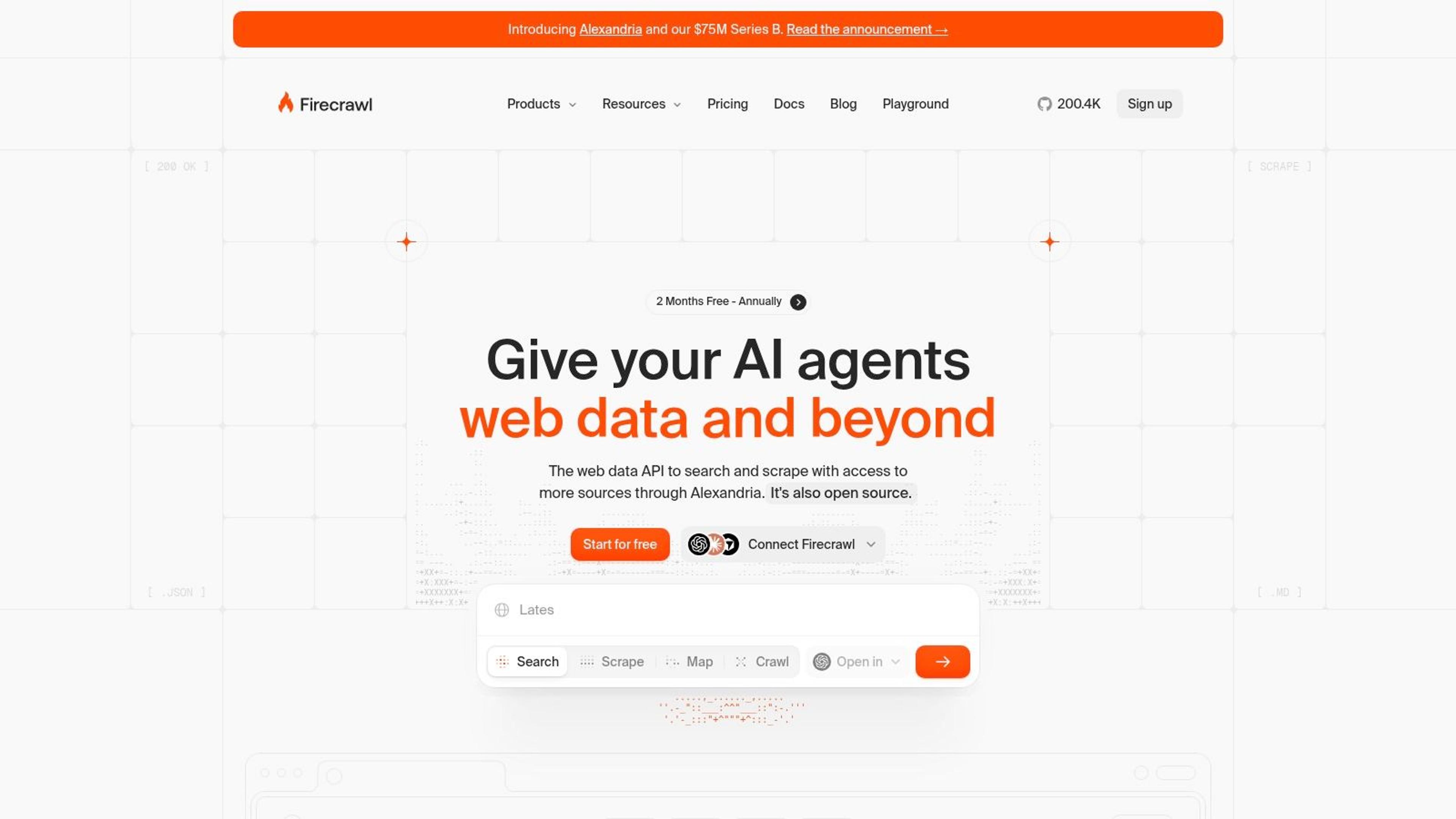
Firecrawl is the cleanest example of a credit model that hides its real cost in the endpoint mix. Firecrawl covers page scraping, site crawling, URL mapping, search, and browser interaction, with Markdown and structured output as first-class formats. The free allowance is 1,000 credits per month and the Hobby plan is $19 per month for 5,000 credits.
The number to watch is how quickly a crawl spends them. A single-page scrape is the cheapest operation in the product; a site crawl multiplies that by page count, and browser interaction adds another layer. Teams budget 5,000 credits as 5,000 pages and then discover a 500-page crawl plus a month of re-checks consumes most of the allowance.
Failed pages still cost you. Some error-status responses consume a credit, so a broken selector or a soft block quietly drains the balance.
Where Firecrawl earns its place is the LLM pipeline. Search returns page content alongside results, crawling produces token-efficient Markdown per page instead of raw HTML you'd strip yourself, and interaction handles clicks, form fills, and login flows in one call. That's a lot of glue code you don't write.
If your output target is a vector store or an agent context window, the format alone justifies the price. If you need a fixed schema from a specific marketplace, a source-specific scraper will be cheaper and more predictable than a general crawler. Teams that want a crawl-ready site structure before they start can lean on a technical crawl audit to find the pages worth spending credits on.
#8. ScrapingBee
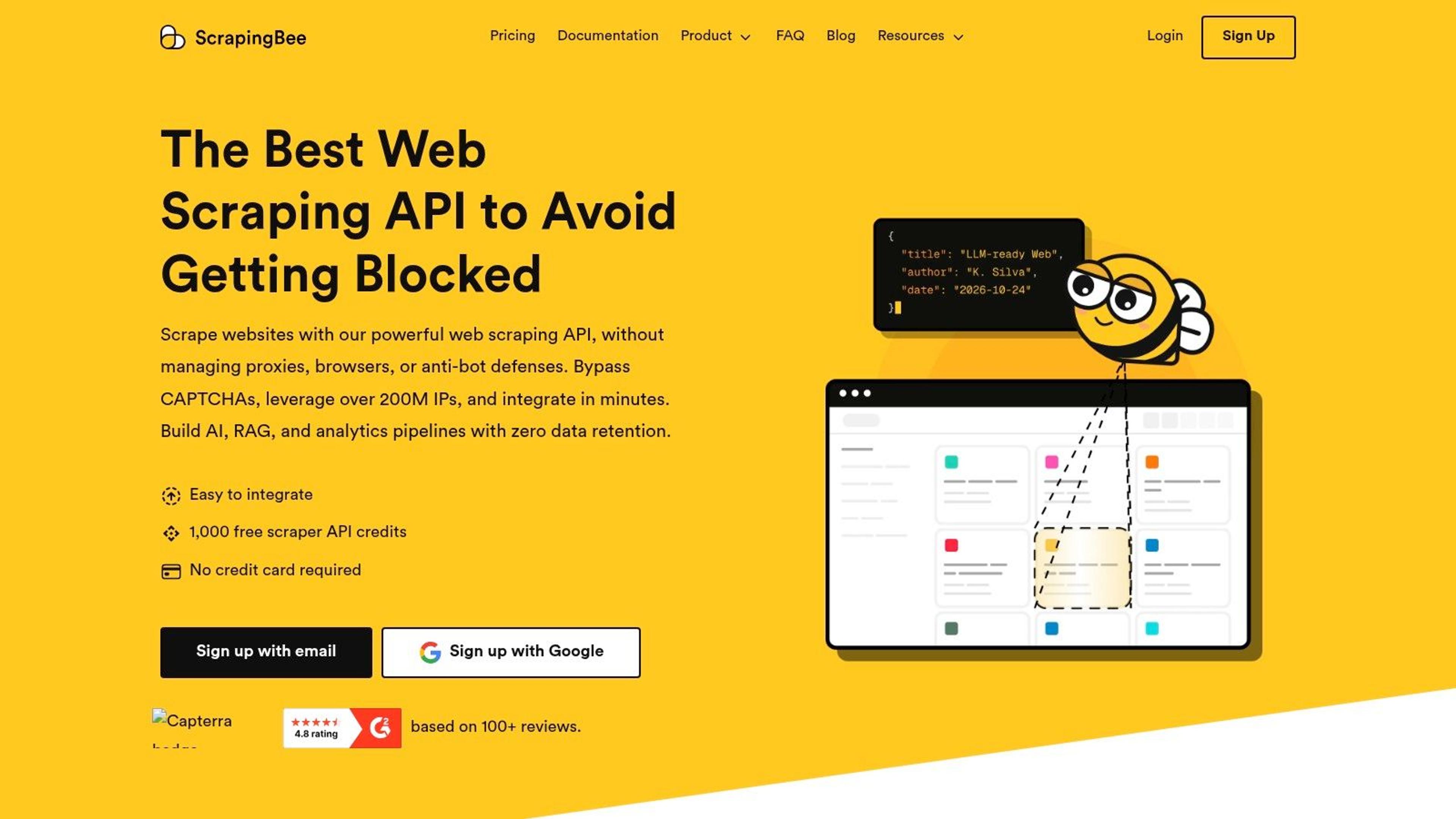
ScrapingBee's 75,000 credits on the $19 Hobby plan looks like 75,000 pages. It isn't. ScrapingBee charges different credit amounts depending on the options you switch on, and JavaScript rendering plus premium or stealth proxies multiply the cost per request. The free allowance is 1,000 credits.
The multiplier structure is standard for this category, so the useful question is which switches you need. Auto-Mode helps here: it tries cheaper configurations before escalating to rendering and premium proxies, which stops a pipeline from paying top rate on pages that never required it.
- Rendering on demand: JavaScript rendering only where the page demands it.
- Extraction rules: CSS and XPath selectors return just the fields you asked for.
- Scripted interaction: JavaScript scenarios handle clicks, scrolls, and form fills.
Credits expire monthly rather than rolling over, so buying a large tier to chase a volume discount backfires if your usage is spiky. Size to your median month and accept an occasional top-up.
Run Auto-Mode against 200 real URLs and record the split between cheap and rendered requests before choosing a tier. That ratio sets your monthly volume far more than the plan price does.
It's a conventional API for teams that don't want to maintain proxy infrastructure, and it stops there. ScrapingBee won't write your parser or hand you a done-for-you data feed, so plan for the field-level work yourself.
#9. ZenRows
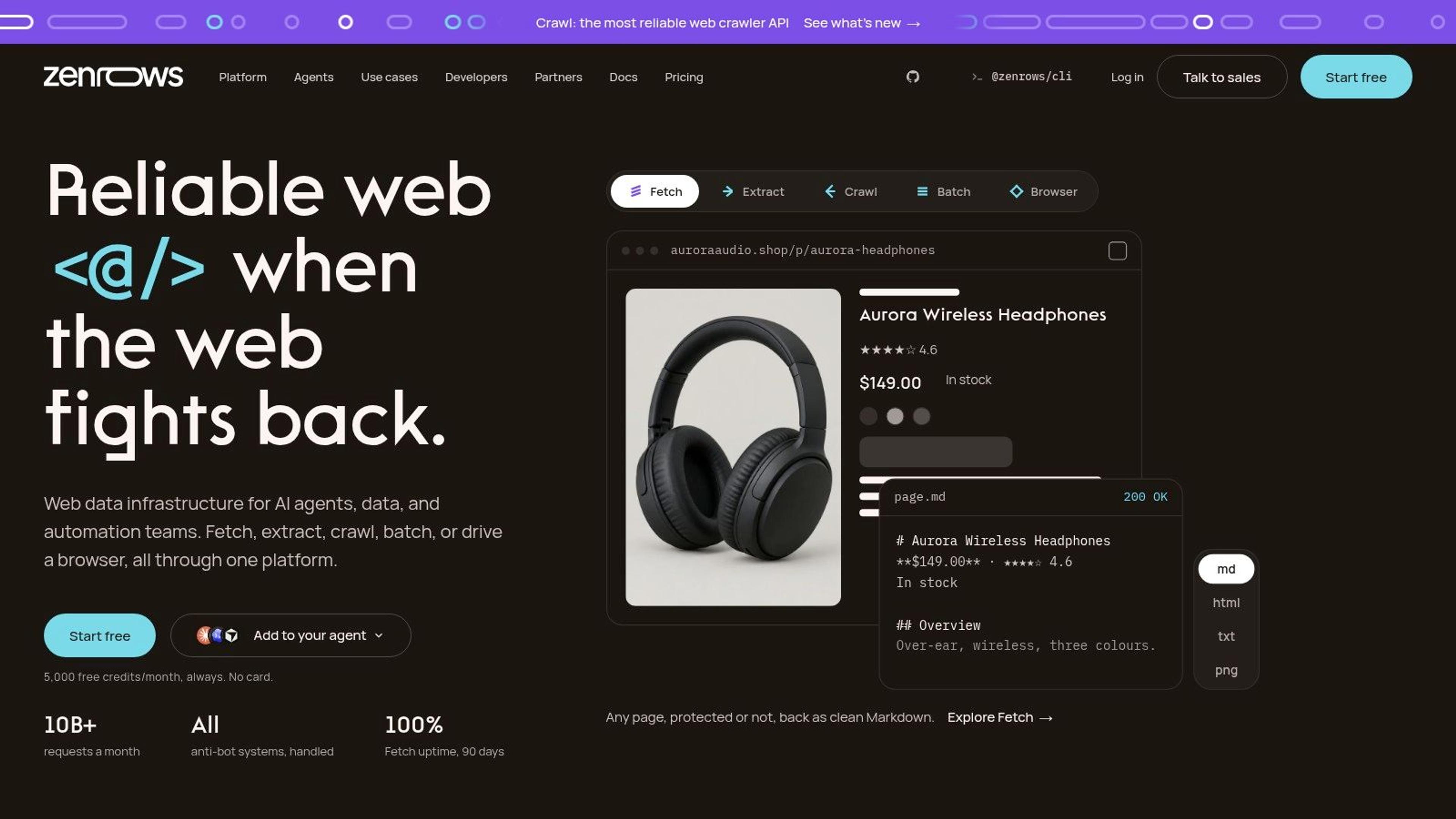
ZenRows charges for successes, and on hostile targets that's worth real money. The ZenRows platform puts rendering and anti-bot handling behind a shared credit balance, states that customers pay for successful requests, and throws in the platform's main capabilities on the free plan at 5,000 credits per month. The Build plan is $16 per month for 45,000 credits, with concurrency scaling alongside the tier.
Provider choice moves pipeline completeness more than expected. A 2026 benchmark of 16 scraping APIs recorded average success rates from 98.87% at the top of the list down to 68.14% at the bottom. That spread is the difference between a dataset you can analyse and one you have to explain to a stakeholder.
Success-based billing changes the failure math. When a retry isn't a purchase, aggressive retry logic becomes cheap insurance instead of a line item, and you stop rationing attempts on the pages you most need.
The caveat is that credit consumption per request depends on the workload, so a heavy target still costs more per row than a light one. Higher volume means a bigger monthly plan and a concurrency ceiling you should read before designing parallel workers. Expect to write your own parsing layer to pull specific fields out of the returned HTML.
#10. ScraperAPI
ScraperAPI's 100,000 credits on the $49 Hobby plan is the most misleading headline allowance on this list, and the company says so in its own docs. ScraperAPI adjusts credit cost by target domain and request options, and its documentation notes that Google, Amazon, and LinkedIn can consume far more credits than a standard page. The trial gives 5,000 credits for seven days without a credit card.
That's not a knock. It's an invitation to do the arithmetic properly: divide your allowance by your worst-case target, not your average one.
- One endpoint: proxy rotation and browser rendering behind a single request URL.
- Documented multipliers: some target-specific credit costs are published, so you can estimate before you buy.
- Geotargeting and crawler access: included on listed plans.
Cost trap: a page needing rendering plus a premium proxy can burn several times the credits of a plain fetch. Model cost per delivered record, not cost per request, or the plan will look generous right up until the invoice.
The entry price also sits above several competitors' cheapest tiers, which matters if you're prototyping. And the response is still HTML, so budget for parsing into whatever schema your application needs.
#11. SerpApi
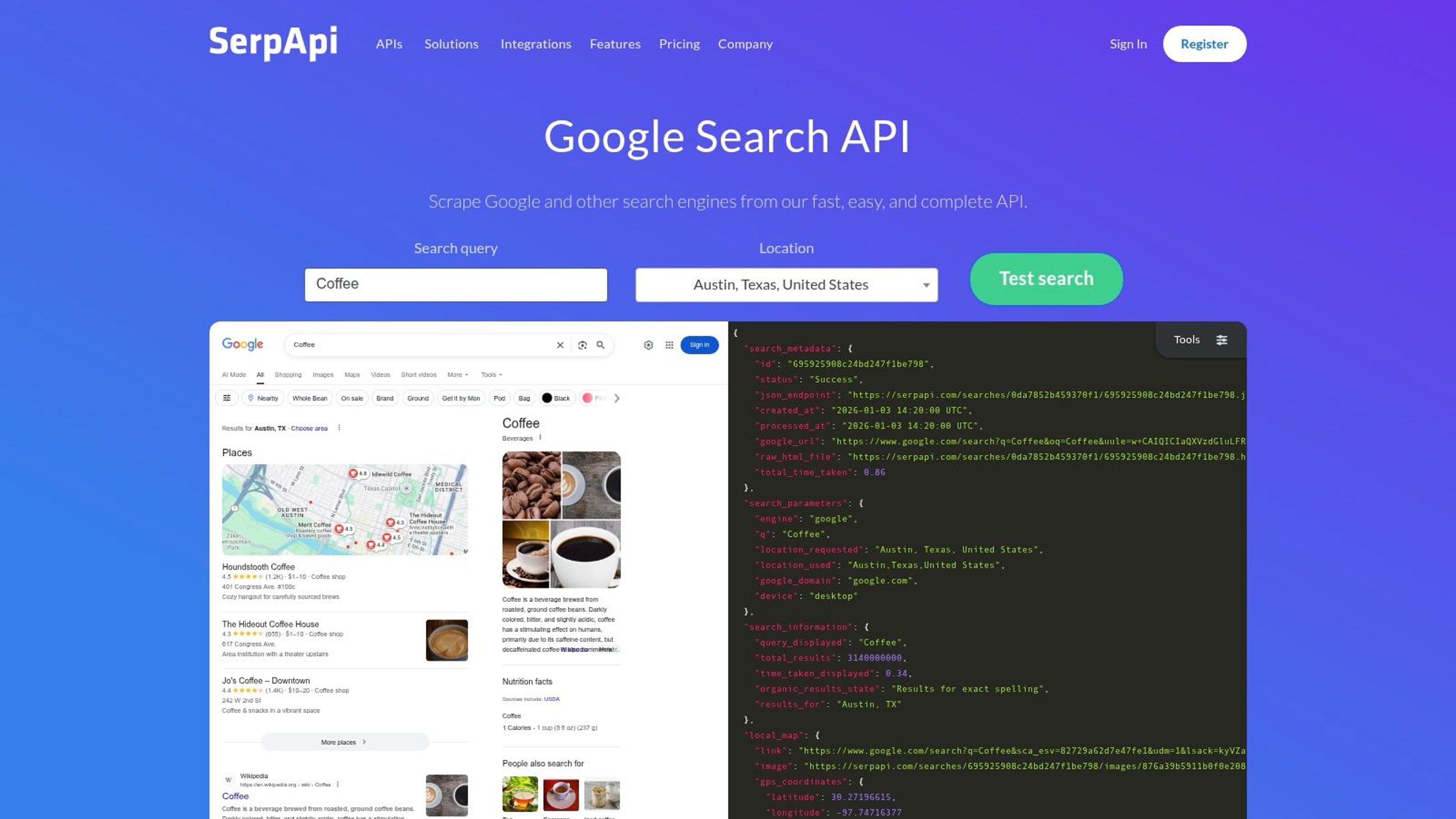
SerpApi isn't a crawler, and judging it as one gives the wrong verdict. SerpApi returns structured results from supported search engines and platforms, which suits rank monitoring, research tooling, and any product that needs search data without owning a collection pipeline. The free tier covers 250 searches per month, and paid examples start at $25 per month for 1,000 searches.
The billing detail that matters is what counts as a search. According to the provider, only successful searches count toward the monthly limit, so a query that fails doesn't eat your allowance. For a monitoring product running fixed keyword sets on a schedule, that makes monthly volume almost deterministic.
- Structured output: parsed results rather than HTML you'd have to extract.
- Location awareness: results can be pulled for specific geographies.
- Cancel anytime: monthly plans don't lock you into an annual commitment.
It won't fetch an arbitrary page or crawl a site, and heavy search volume is expensive relative to running your own pipeline at scale. Coverage and behaviour also vary by engine and endpoint, so test the specific engine you plan to depend on before you build a feature around it.
If you need location-based business data rather than search results, a dedicated Google Maps lead scraper covers that extraction without you assembling a query and parsing pipeline first.
#13 Web Data APIs Compared
A listed monthly price is the entry ticket, not the invoice. Credit burn, success-only billing, and surcharges for rendering or harder targets decide whether a plan covers a recurring job or a short test.
| API | Starting price | Free tier | Billing model | Best for |
|---|---|---|---|---|
| Context.dev | Credits; cache hits cut repeat spend | Generous credits; amount not specified | Credits, with caching on repeat fetches | Live web data, company enrichment, and AI-ready content |
| Bright Data Web Scraper API | $1.50 per 1,000 records | 5,000 records per month | Pay-as-you-go or monthly Scale plan | Structured data collection from supported sites at scale |
| Zyte API | Per request, by difficulty and rendering | $5 trial credit | Usage-based, with rates varying by difficulty and rendering | Managed page retrieval with rendering and access handling |
| Apify | $19 per month, plus usage | $5 platform credit | Plan fees plus Actor and compute usage | Scheduled scraping and automation workflows |
| Oxylabs Web Scraper API | $49 per month | Trial up to 2,000 results | Monthly plans; rates vary by source and rendering | Recurring scraping across web, search, and marketplace sources |
| Decodo Web Data API | $19 per month; listed rate starts at $0.15 per 1,000 requests | Free starter access | Usage-based plans | Scraping, crawling, and search with AI-friendly output formats |
| Firecrawl | $19 per month | 1,000 credits per month | Credit-based | Turning webpages and sites into content for AI and retrieval workflows |
| ScrapingBee | $19 per month | 1,000 credits | Monthly credit plans; usage varies by options | General-purpose scraping with proxies and browser rendering |
| ZenRows | $16 per month | 5,000 credits per month | Monthly credit plans; successful requests billed | Managed scraping for pages requiring rendering or anti-bot handling |
| ScraperAPI | $49 per month | 5,000 credits for seven days | Credit-based; costs vary by domain and options | General scraping across varied target domains |
| SerpApi | $25 per month | 250 searches per month | Monthly search allowances | Structured search results and search monitoring |
Match the unit to the job before you compare dollar figures. Bright Data meters records. Decodo publishes a request rate beside the monthly plan. Zyte changes the rate when a page needs rendering or is harder to fetch. Apify adds Actor and compute usage on top of the plan fee. ZenRows charges successful requests, so failures do not consume the same credit. Oxylabs and ScraperAPI move the rate with source, domain, and options. Firecrawl and ScrapingBee sell a monthly credit pool. SerpApi sells a search allowance. Context.dev spends credits and caching lowers the cost of fetching the same data again.
#Choosing Your API With a Decision Framework
Free tiers exist for measurement, not for saving money. Run 50 to 100 real target URLs from your own list through each candidate's free allowance and log three things per provider: success rate, median latency, and the credits consumed per delivered record. That third number is the one vendors never publish, and it's the only one that predicts your invoice.
Normalise everything to cost per usable row. A provider charging twice as much per request but returning records with clean, stable fields is cheaper than one that hands you HTML and a 70% success rate. Retry logic, monitoring, and the engineering hours spent patching a broken selector all belong in that comparison.
- Success definition: check whether a blocked page returning HTTP 200 counts as a request you paid for.
- Multiplier exposure: count how many of your targets need rendering or residential IPs.
- Expiry rules: confirm whether unused credits roll over or reset each month.
- Concurrency caps: verify the parallel request limit on the tier you're buying, not the tier above it.
- Schema stability: sample the same URL weekly for a month and diff the field names.
Where targets fight back, prefer success-based billing. On static or lightly protected sites, the cheapest raw HTTP endpoint wins and a browser is wasted spend. The integration model matters as much as the data: the 2025 State of the API findings from Postman put REST adoption at 93%, with webhooks at 50% and GraphQL at 33%, so a vendor that only speaks synchronous REST may not fit an event-driven pipeline you'll need next year.
Then watch for silent drift. A field that changes meaning between runs breaks a price-intelligence or agent workflow more thoroughly than an outright failed request, because nothing alerts you. Sample outputs on a schedule, hash the schema, and diff the values against a known page.
If you're building a product on top of any of these APIs, Better Launch is where makers publish and promote what they've built. The platform gives every submission a dedicated product page, a maker profile, category labels, and community feedback, plus free and paid launch plans, manual directory submission services with screenshot evidence of each live listing, and distribution to more than 6,000 newsletter readers. The free plan books a Monday launch at least 30 days out with seven days in the homepage feed, paid listings stay pinned above the free feed for their window, and Ultra placements take priority over Starter and Pro. Publish your scraper, enrichment tool, or data product there and let the people hunting for exactly that workflow find it.